b7b7 Deposit Guide: Add Funds in Under a Minute
Read this guide and you will know exactly how to add money to your b7b7 account using bKash, Nagad, Rocket, Upay or Bank Transfer — including the minimum amount, expected arrival time, and what to do if something goes wrong.
Quick Facts at a Glance
Everything you need before you tap "Deposit". The numbers below are fixed — no hidden conditions.
- Minimum Deposit
- ৳200
- Funds Arrive In
- 1 min
- Deposit Fee
- ৳0
- First Deposit Bonus
- 135%
b7b7 charges no fee on deposits. The ৳200 minimum applies to every payment method. Your first deposit of the day unlocks the 135% Welcome Bonus up to ৳26,000 — the bonus applies automatically.
How to Make Your First Deposit
Four steps from opening the cashier to seeing the balance land in your account. Each step is the same regardless of which payment method you pick.
-
Log in to b7b7
Open b7b7 Login in your browser or the b7b7 App. Enter your registered phone number and password, then tap "Log In".
-
Open the Cashier
Tap your account balance in the top-right corner. Select Deposit from the menu that appears. The cashier page lists all available payment methods.
-
Choose a Method & Enter Amount
Pick bKash, Nagad, Rocket, Upay or Bank Transfer. Type the amount — minimum ৳200. Tap Submit to generate the payment details.
-
Complete Payment on Your Phone
Switch to your mobile wallet app. Send the exact amount to the number shown. Copy the transaction ID and paste it back into b7b7 to confirm. Funds land in roughly 1 minute.
Payment Methods Compared
All five methods share the same minimum and arrival time. The table below shows the key differences so you can pick what works best for you.
| Method | Min. Deposit | Arrival Time | Fee | Works With | Best For |
|---|---|---|---|---|---|
| bKash | ৳200 | ~1 min | Free | bKash Personal / Merchant | Most players — widest coverage |
| Nagad | ৳200 | ~1 min | Free | Nagad Personal | Low-fee everyday top-ups |
| Rocket | ৳200 | ~1 min | Free | Dutch-Bangla Rocket | DBBL account holders |
| Upay | ৳200 | ~1 min | Free | UCB Upay wallet | UCB bank customers |
| Bank Transfer | ৳200 | 1–3 hours | Free | Any BD bank (BEFTN / RTGS) | Larger amounts |
Bank Transfer is the only method that may take longer than 1 minute. If you need funds quickly before a match kicks off, use bKash or Nagad — they are the fastest and most reliable options for most players in Bangladesh.
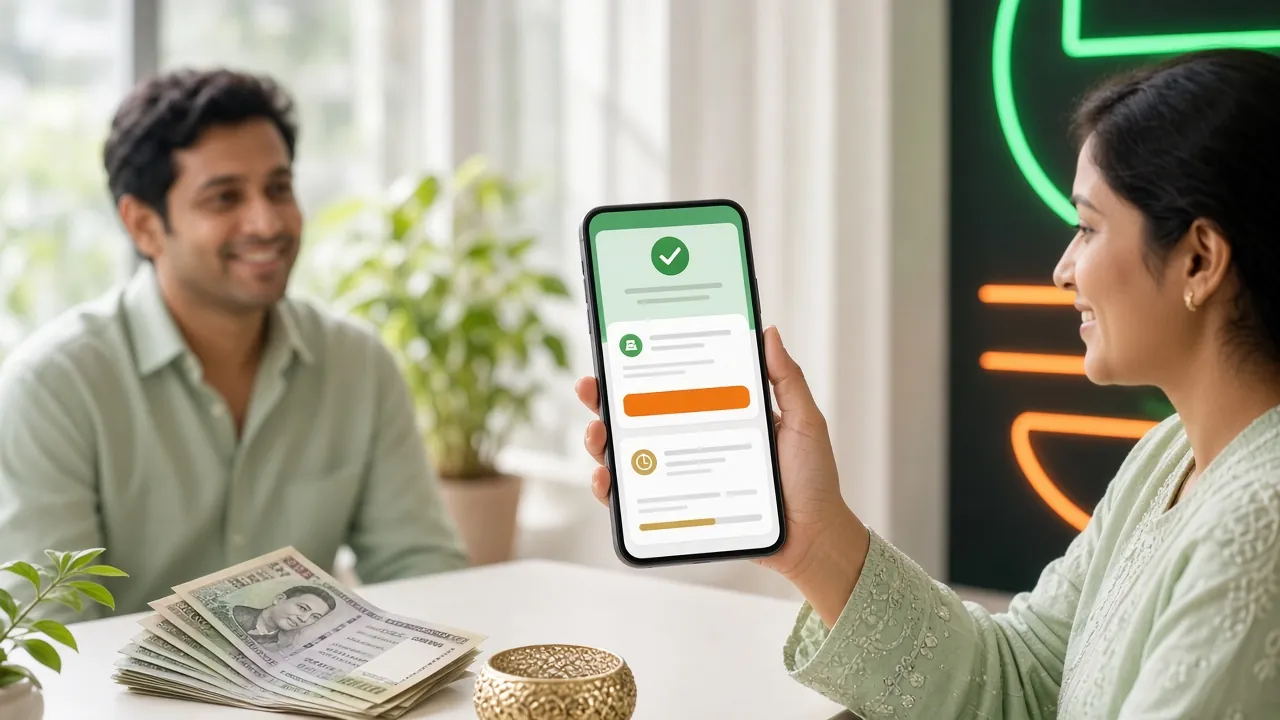
bKash Deposit – Step by Step
bKash is the most common method on b7b7. Follow these steps exactly — sending the wrong amount or skipping the transaction ID step are the two most common mistakes.
Depositing via bKash
- Log in to b7b7 and go to Cashier → Deposit.
- Select bKash. Enter your deposit amount (min ৳200) and tap Submit.
- b7b7 shows you a merchant number and the exact amount to send. Keep this screen open.
- Open your bKash app. Tap Send Money (for personal numbers) or Payment (for merchant numbers).
- Enter the number shown on b7b7. Enter the exact amount — do not round up or down.
- Use your bKash PIN to confirm the transaction. Note the Transaction ID shown on the success screen (it starts with a letter, e.g. 8AB3XXXXX).
- Return to b7b7. Paste the Transaction ID into the confirmation box and tap Confirm.
- Your b7b7 balance updates within roughly 1 minute.
Important: Always send from a bKash account registered in your own name. b7b7 matches the sender details against your registered account. Third-party transfers may be delayed or rejected.
Nagad Deposit – Step by Step
Nagad works almost identically to bKash. It is owned by Bangladesh Post Office, so coverage is excellent outside Dhaka.
Depositing via Nagad
- Go to Cashier → Deposit in your b7b7 account and select Nagad.
- Enter the amount (min ৳200) and tap Submit to get the Nagad number.
- Open the Nagad app and tap Send Money.
- Enter the Nagad number shown on b7b7, then type the exact amount.
- Confirm with your Nagad PIN. Copy the Transaction ID from the success screen.
- Back on b7b7, paste the Transaction ID and tap Confirm.
- Balance updates in roughly 1 minute.
Rocket Deposit – Step by Step
Rocket is Dutch-Bangla Bank's mobile wallet. The process is the same as bKash but uses the Rocket app or USSD code.
Depositing via Rocket
- In b7b7 Cashier, choose Rocket. Enter your amount and tap Submit.
- Open the Rocket app or dial *322# from your Rocket-linked number.
- Select Send Money. Enter the Rocket number displayed on b7b7.
- Type the exact deposit amount and confirm with your Rocket PIN.
- Note the Transaction ID from the confirmation SMS or app screen.
- Return to b7b7, enter the Transaction ID and tap Confirm. Balance updates in ~1 minute.
Upay Deposit – Step by Step
Upay is United Commercial Bank's digital wallet. If you bank with UCB, this is a convenient option with no extra fees.
Depositing via Upay
- In b7b7 Cashier, select Upay. Enter your deposit amount and tap Submit.
- Open the Upay app and log in with your UCB credentials.
- Tap Send Money and enter the Upay number shown on b7b7.
- Enter the exact amount and confirm with your Upay PIN or biometric.
- Copy the Transaction ID from the success screen.
- Return to b7b7, paste the Transaction ID and tap Confirm.
Bank Transfer – Step by Step
Bank Transfer suits larger deposits. It takes 1–3 hours rather than 1 minute, so plan ahead if you want funds before a live match.
Depositing via Bank Transfer
- In b7b7 Cashier, choose Bank Transfer. Enter the amount and tap Submit.
- b7b7 shows you a bank account number, account name and routing number. Screenshot this — it may change session to session.
- Log in to your bank's internet banking or visit a branch. Create a new transfer to the account details provided.
- Use your registered name as the sender. Enter the exact amount.
- After submitting, note the bank's reference number or UTR.
- Return to b7b7, enter the reference number and tap Confirm. The team verifies and credits your account within 1–3 hours.
Bank transfers processed after banking hours or on government holidays may take slightly longer. If the funds have not arrived after 3 hours, contact 24/7 Live Chat or email [email protected] with your bank reference number.
Common Failures & How to Fix Them
Most deposit issues come down to one of four causes. The table below lists each problem and what you should do.
| Problem | Why It Happens | What to Do |
|---|---|---|
| Deposit not credited after 5 minutes | Transaction ID was not submitted, or there was a temporary gateway delay. | Go to Cashier → Deposit History. If it shows "Pending", enter the Transaction ID and confirm. Still stuck? Open Live Chat. |
| Wrong amount sent | Player rounded the number or typed an extra digit. | Contact Live Chat immediately with your Transaction ID and the amount you sent. The support team will adjust manually. |
| "Deposit limit exceeded" error | Your mobile wallet has a daily send limit imposed by the wallet provider. | Switch to a different payment method (e.g., Nagad if bKash is at its limit) or use Bank Transfer for larger amounts. |
| Number shown has changed | b7b7 rotates merchant numbers periodically for security. Old numbers expire. | Refresh the Cashier page to get a fresh deposit number. Never save the number for reuse across sessions. |
| Third-party payment rejected | b7b7 requires the sender name to match your registered account. | Only deposit from a wallet registered in your own name. Ask a family member to transfer to your wallet first if needed. |
| Bank transfer stuck after 3 hours | Processing delay on the bank's side, or holiday/off-hours batch cycle. | Email [email protected] with your bank reference (UTR). Average resolution is under 2 hours. |
Make Your First Deposit Count
Your first deposit on b7b7 triggers the Welcome Bonus automatically — no code needed. The bonus adds 135% on top of whatever you deposit, up to a cap of ৳26,000. Here is a quick example:
| Your Deposit | Bonus (135%) | Total Balance |
|---|---|---|
| ৳500 | ৳675 | ৳1,175 |
| ৳1,000 | ৳1,350 | ৳2,350 |
| ৳5,000 | ৳6,750 | ৳11,750 |
| ৳10,000 | ৳13,500 | ৳23,500 |
| ৳19,260 (max) | ৳26,000 (cap) | ৳45,260 |
The bonus carries a ×11 wagering requirement. After meeting the wagering requirement, the bonus converts to real cash and you can withdraw freely. Minimum withdrawal is ৳1,500.
After your first deposit, you are also eligible for daily cashback starting at 0.7% on all settled bets. The cashback rate increases as you move up the VIP tiers. See the full Bonus & VIP page for details.
Before You Deposit
- You have a verified b7b7 account (NID or Passport uploaded).
- Your wallet is registered in your own name — same name as your b7b7 account.
- You are depositing at least ৳200 in a single transaction.
- You have kept the Transaction ID ready to paste into b7b7.